Download the EDS 2026 App
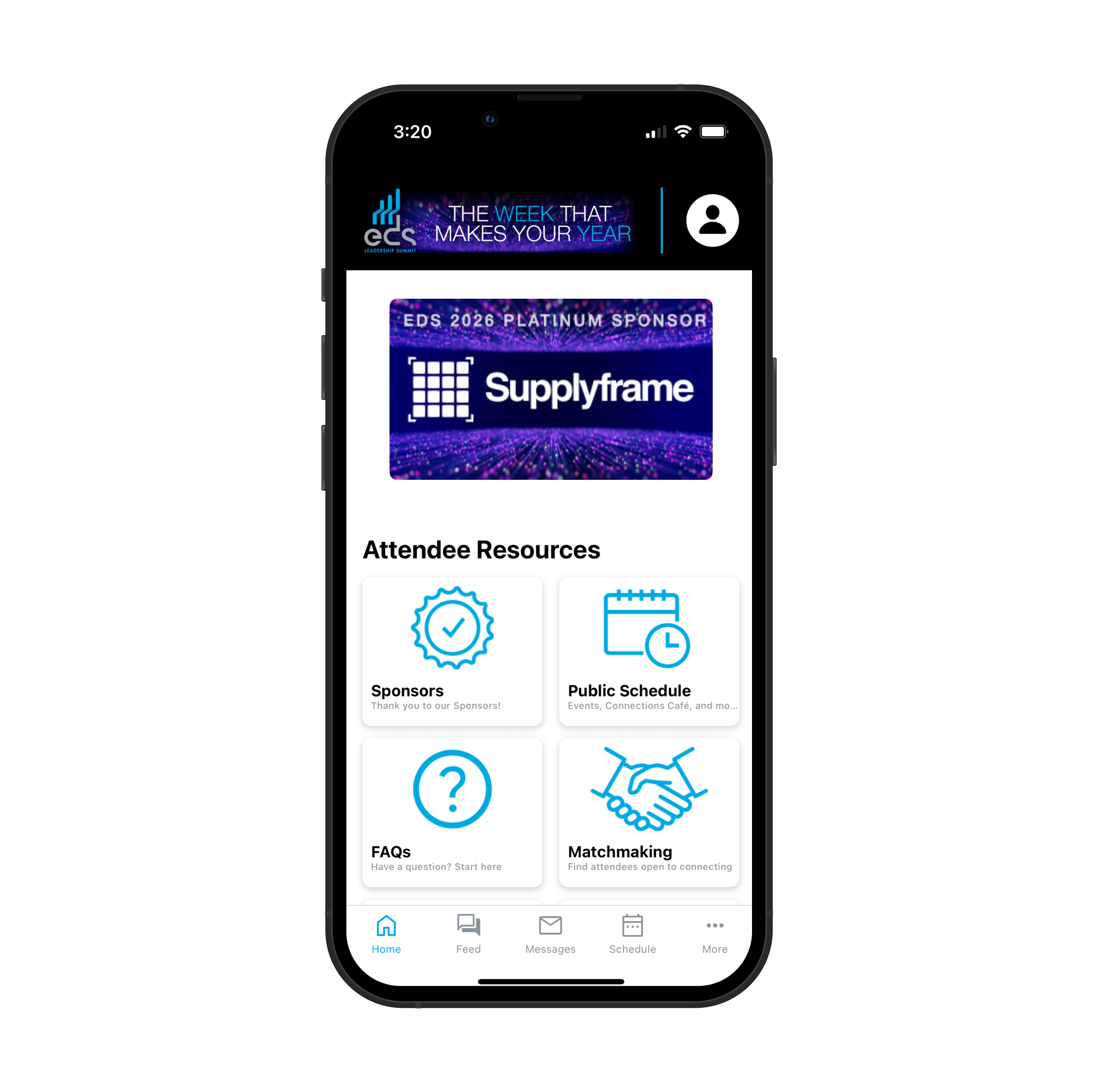
Get ready to make the most of your time at the EDS Leadership Summit with the official EDS 2026 app. From live updates, matchmaking and messaging to floor plans, the public schedule, sponsor listings and directories, the EDS 2026 app is your all-in-one guide to navigating the week efficiently and making the most of every meeting.
Important: You must be registered for EDS to sign in and access the app’s full features.
How to Download & Get Started
1. Download the App
- Visit the Apple App Store or Google Play Store and search for “EDS 2026.”
- Download and install the app on your device.
2. Allow Push Notifications (Highly Recommended)
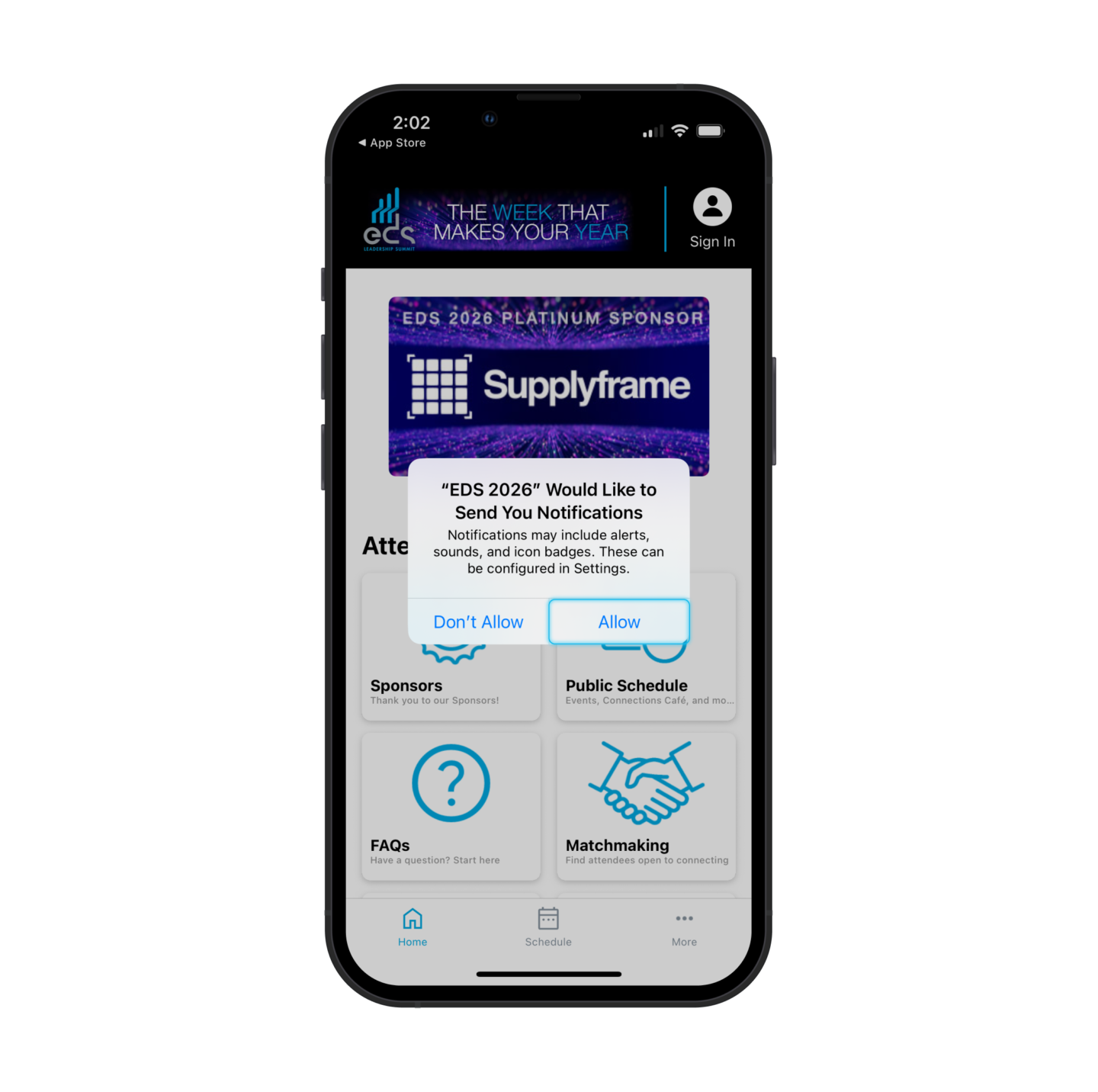
When prompted, be sure to tap “Allow” for push notifications. This is critical to:
- Receive important real-time alerts during EDS
- Stay informed of schedule updates
- Get reminders and key announcements
- Maximize your event experience
Important: Attendees who disable notifications may miss important updates.
3. Sign In (Registered Attendees Only)
To access messaging, the attendee list, activity feed, and other exclusive features:
- Open the app and click the profile icon in the top right corner to sign in
- Enter the email address you used to register for EDS
- Retrieve the verification code sent to your email
- Enter the code in the app and create your password
Once completed, you’ll have full access to all app features.
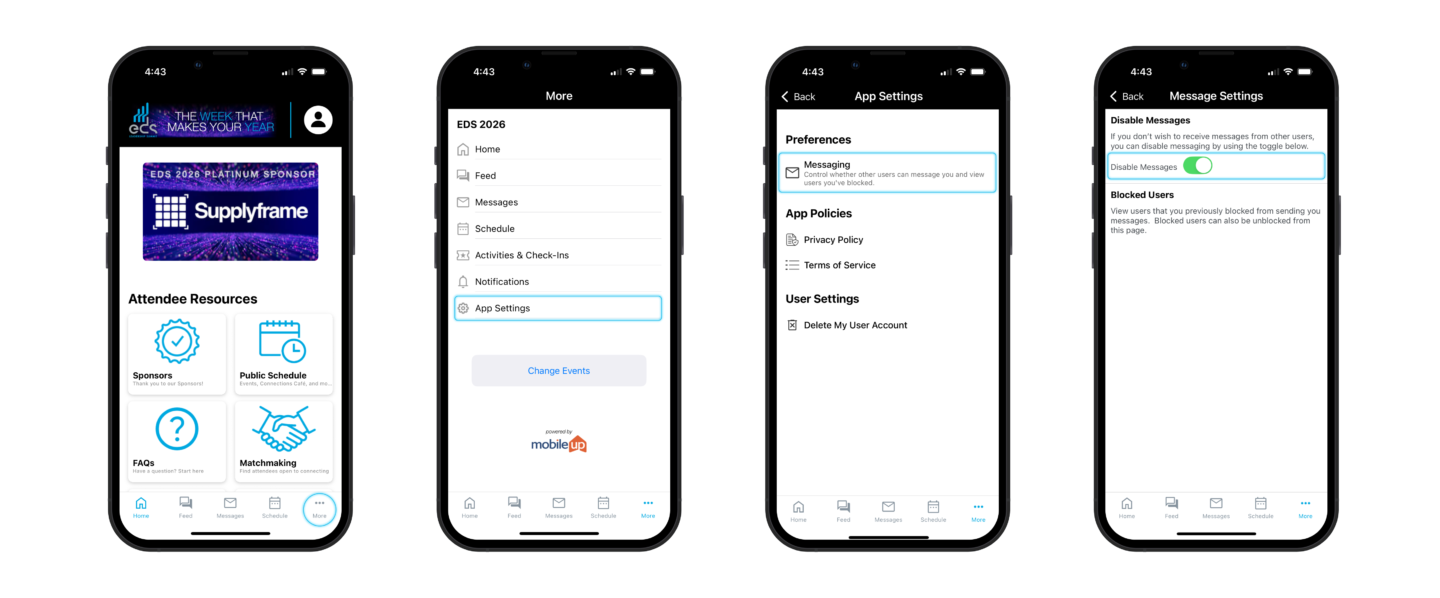
4. Managing Messages (Opt-Out Option)
Signed-in attendees can control messaging preferences at any time:
- Go to “More” in the bottom right corner
- Select “App Settings”
- Tap “Messaging”
- Toggle Disable Messages
This allows you to opt out of direct messages if desired.
If you have any questions or need assistance, please contact info@edssummit.com and our team will be happy to help.